Business License
5 Common Mistakes When Installing Long-Run HDMI Cables in Conduits
There is nothing worse than finishing a clean install, plugging in the source, and seeing... nothing. No signal. When dealing with fiber optic HDMI cables, "rough handling" is the enemy. However, many failures are due to simple, preventable errors during the pull.
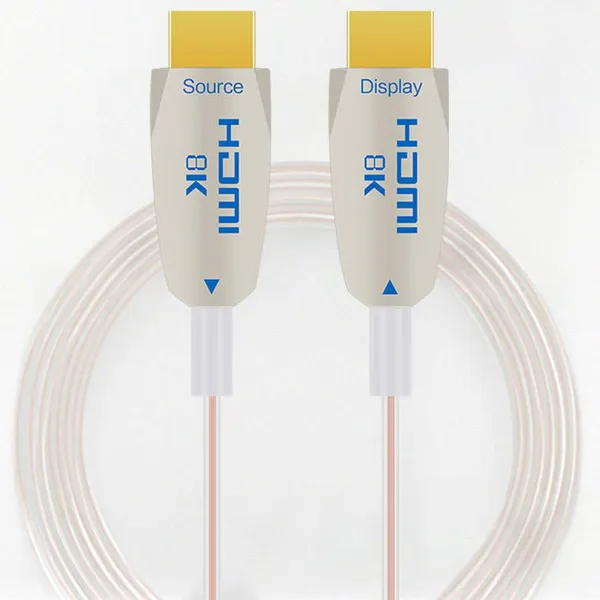
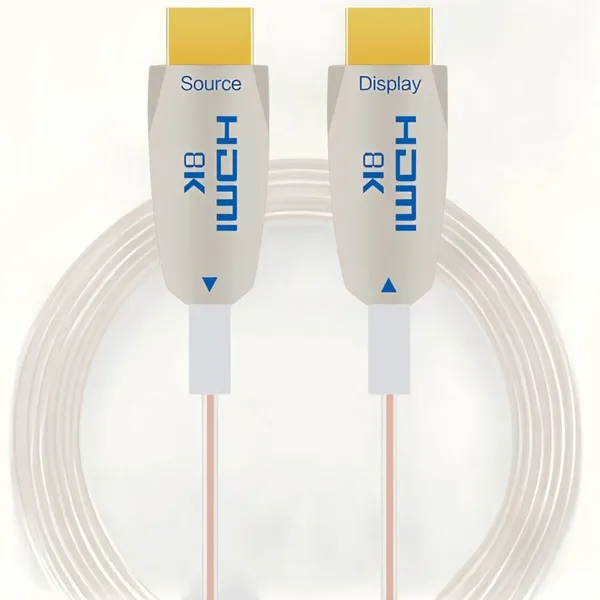
Mistake 1: Ignoring Directionality (Source vs. Display)
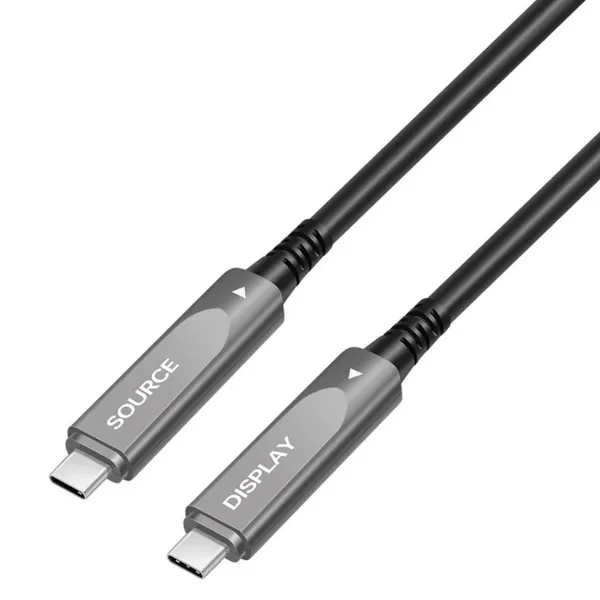
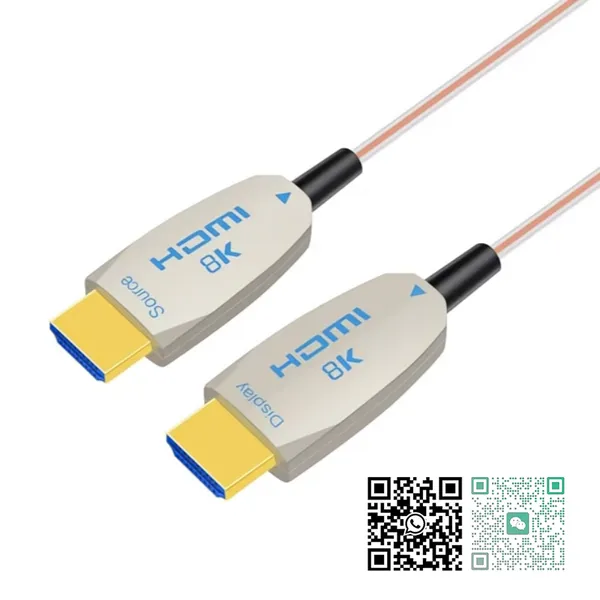
Unlike copper cables, Active Optical Cables are unidirectional. They have a specific "Source" and "Display" head containing different chipsets.
The Fix: Always check the labels before pulling the cable through 50 feet of ceiling grid.
Pro Tip: At 8khdmiaoc.com, our connector heads are clearly color-coded or labeled to prevent this costly reversal.
Mistake 2: Pulling by the Connector Head
The junction between the HDMI connector and the cable is the most fragile point. Pulling the cable head directly can sever the internal fiber solder points.
The Fix: Always use a pulling sock (mesh grip) attached to the cable jacket, not the connector.
Mistake 3: Exceeding Bend Radius
Standard fiber optic cables utilize glass cores. A 90-degree sharp bend around a conduit corner can shatter the glass, causing permanent signal loss.
The Solution: Use sweeping bends. Or, upgrade to Armored AOC. Our spiral steel armor limits the bend radius physically, preventing the fiber from snapping under stress.
Mistake 4: Crushing the Cable (The "Zip Tie" Problem)
Over-tightening zip ties can crush the fiber cladding, causing light leakage and signal attenuation.
The Fix: Use Velcro straps. Or better yet, use Armored AOC which can withstand high crush loads (up to 100kgf temporarily) thanks to its stainless steel internal wrapping.
Mistake 5: Not Testing Before Installation
Never install a cable "blind." Manufacturing defects or shipping damage, while rare, can happen.
The Fix: Always perform a "bench test" with a portable 8K generator or a laptop before the cable enters the wall.
Build with Resilience
Standard fiber is fragile. Construction sites are dangerous. Bridge the gap with Armored 8K HDMI 2.1 AOC—designed to survive the mistake of a busy job site.
Recently Posted
-
Fiber Optic HDMI: Market Outlook and Size Analysis
June 29, 2026The global HDMI fiber optic cable market was valued at $1.82 billion in 2025 and is projected to reach $4.67 billion by 2034. HDMI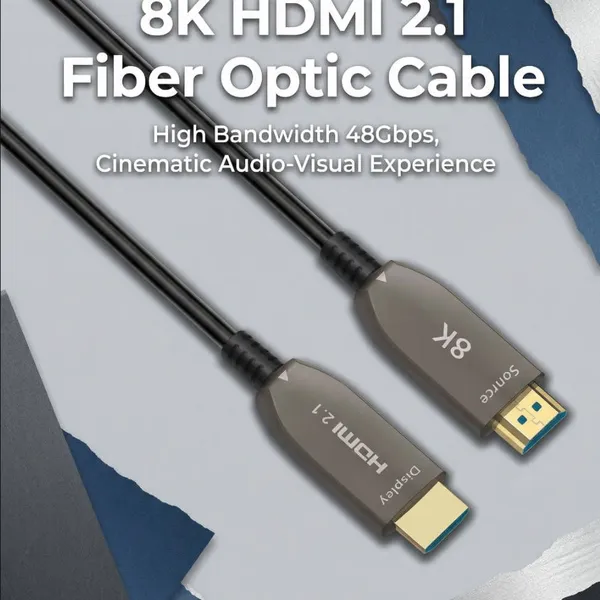 Read More
 -
DP Alt Mode: What is USB-C DisplayPort?
May 9, 2026In today's era that values versatility and convenience, the USB-C interface stands out as a universal connector, enabling seamless connection between laptops and monitors with a single cable for high-resolution video, clear audio, data transfer, and charging, while minimizing cable clutter. DP Alt mode, or DisplayPort Alternate Mode, allows the USB-C interface to transmit DisplayPort (DP) video and audio signals, while siRead More -
HDMI Cord for Samsung TV: How to Choose the Right Cable for Your Setup
April 18, 2026Wondering which HDMI cable your Samsung TV actually needs? You're not alone—it's one of the first questions that comes up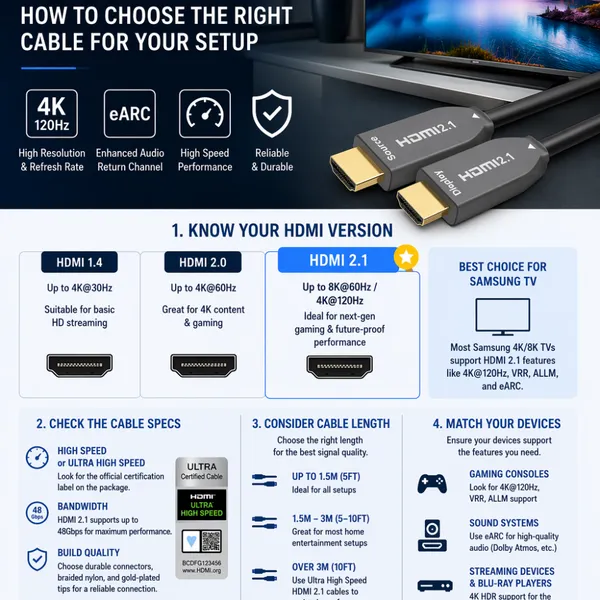 Read More
 -
why USB-C Is Replacing Traditional AV Cabling in Modern Meeting Rooms
April 4, 2026Walk into almost any older conference room and you’ll see the same thing, a pile of cables sitting in the middle of the table.With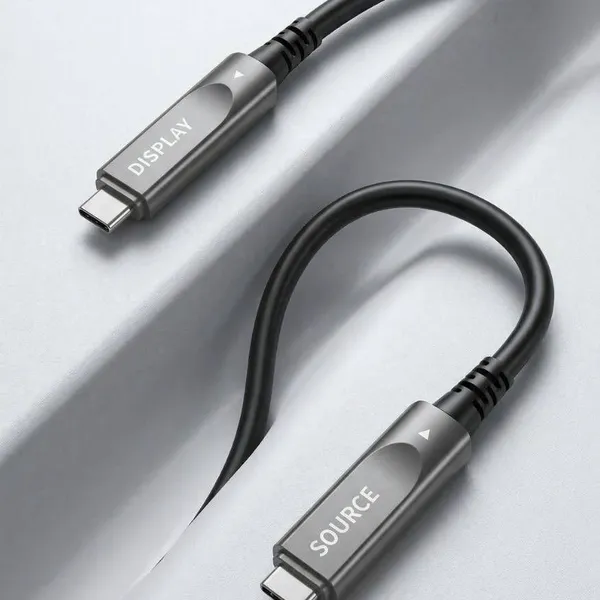 Read More

Contact Us
Recommended Products
-
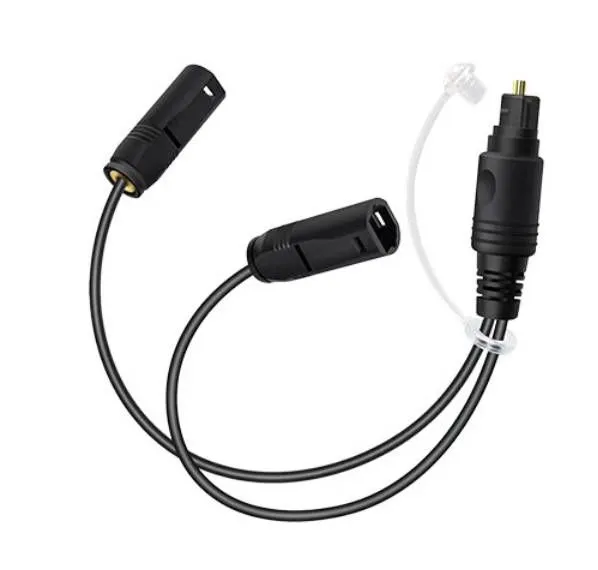
 Customized 1 to 2 Passive Optical Toslink Splitter Cable Male to FemaleNegotiableMOQ: 10 Pieces
 -
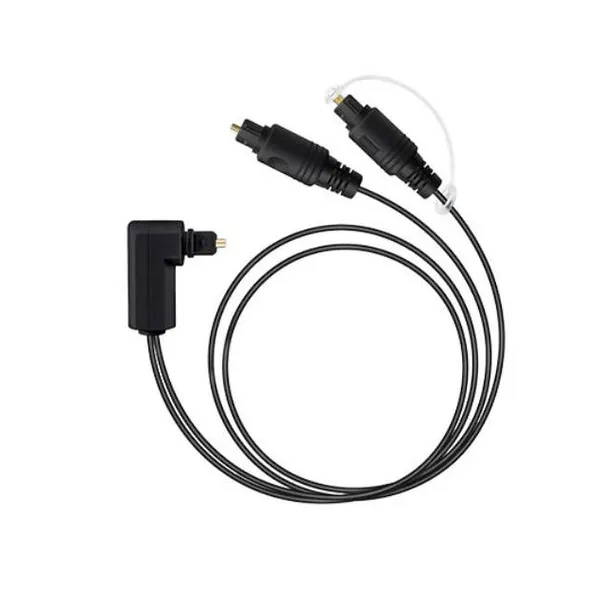
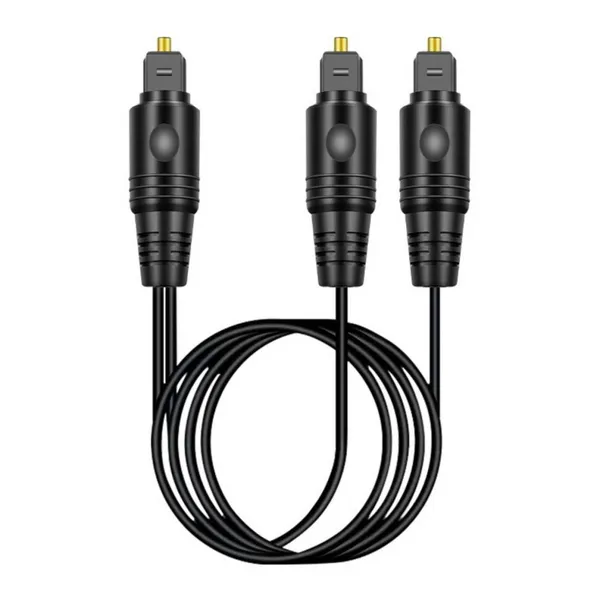
Right Angled 1 to 2 Passive Optical Toslink Splitter Cable Male to MaleNegotiableMOQ: 1 Piece
-
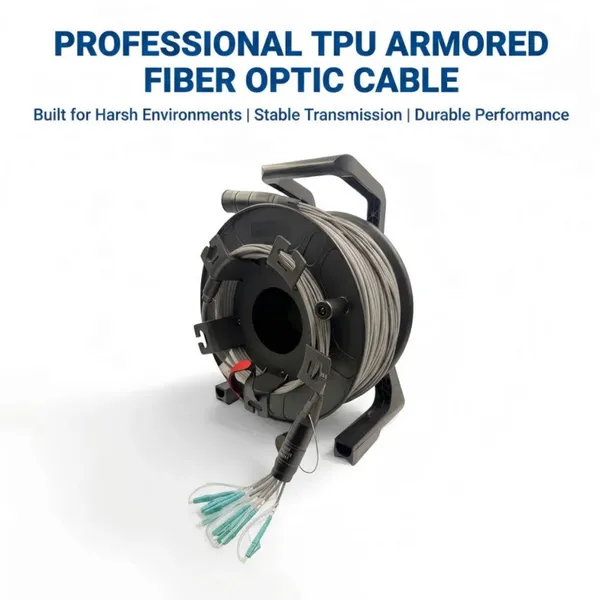
8-Core Grey TPU OM3 Armored Fiber Optic CableNegotiableMOQ: 1 Piece
-
Bi-Directional 1-in-2-out Passive TOSLINK Optical Audio Splitter Cable-Male to MaleNegotiableMOQ: 10 Pieces
-
Fiber Optic USB C Active Optical Cable-USB3.2 AOC OEM FactoryNegotiableMOQ: 1 Piece
-
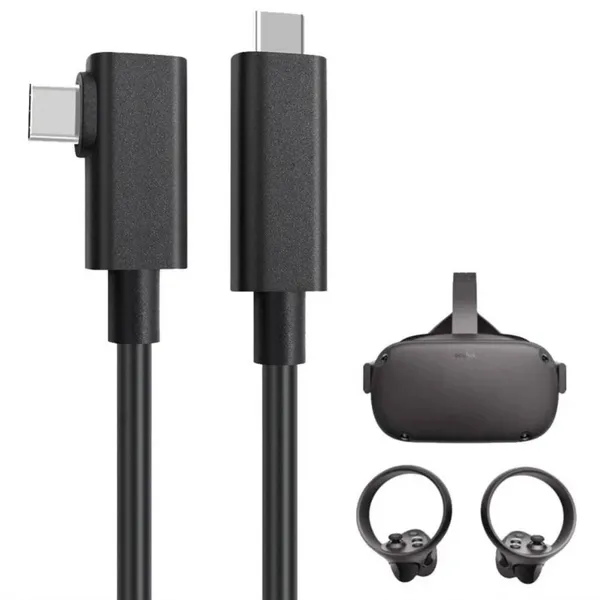
5m Meta Quest 2 Link Cable Factory Wholesale SupplierNegotiableMOQ: 1 Piece
-
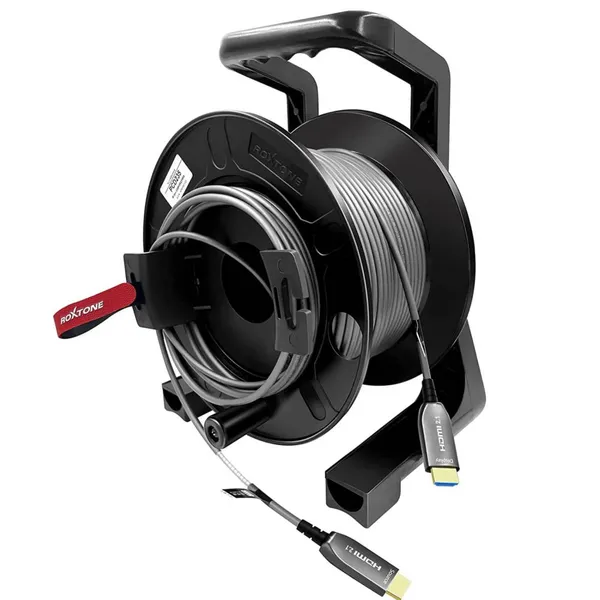
Armored 8K Fiber Optic HDMI 2.1 Active Optical Cable on Roxtone PCD 310 DrumNegotiableMOQ: 1 Piece
-
كابل بصري نشط USB-C بطول 10 أمتار، يدعم فيديو بدقة 8K ونقل بيانات بسرعة 10 جيجابت/ثانية، مزود بتقنية الشحن السريع PD70WNegotiableMOQ: 1 Piece
-
Fiber Optic USB 3.1 AOC-Active Optical Cable,Gen-2,10Gbps,AM to AFNegotiableMOQ: 1 Piece
-
Fiber Optic Type-c Active Optical 40GbpsNegotiableMOQ: 1 Piece
-
OEM Factory Wholesale 8K HDMI2.1 Fiber Optical Cable 48Gbps AM to AM for RTX3090, PS5, Xbox Series X, Roku/Fire/Sony/LG CX TVNegotiableMOQ: 1 Piece
-
DVI Fiber Active Optical Cable-AOC 10.2Gbps 4K@30HzNegotiableMOQ: 1 Piece
-
كابل ألياف ضوئية USB-C يدعم فيديو بدقة 8K بسرعة 10 جيجابت في الثانيةNegotiableMOQ: 1 Piece
-
USB-C to HDMI Fiber Active Optical Cable-AOC-4K/60Hz-15mNegotiableMOQ: 1 Piece
-
Super Slim Digital Toslink Optical Audio CableNegotiableMOQ: 10 Pieces
-
8K HDMI2.1 Fiber Optic Cable 4K/144HzNegotiableMOQ: 10 Pieces
-
كابل الألياف الضوئية النشطة HDMI2.1 فائق النحافة 8KNegotiableMOQ: 10 Pieces
-
4Fiber LC Tactical Armored Fiber Optic Cable ReelNegotiableMOQ: 10 Pieces
-
Ультратонкий активный оптический кабель HDMI 2.1 8K AM-AM-AM-48 Гбит/с-5 мNegotiableMOQ: 10 Pieces
-
Angled Digital Toslink Optical Audio Cable,Gold-Plated,4mm Black PVCNegotiableMOQ: 10 Pieces