Business License
why USB-C Is Replacing Traditional AV Cabling in Modern Meeting Rooms
Walk into almost any older conference room and you’ll see the same thing, a pile of cables sitting in the middle of the table.
With BYOD (Bring Your Own Device) becoming standard, people expect to plug in and start presenting right away. But in reality, they’re still dealing with HDMI for the screen, USB for the camera and mic, and a separate power adapter just to keep their laptop running.
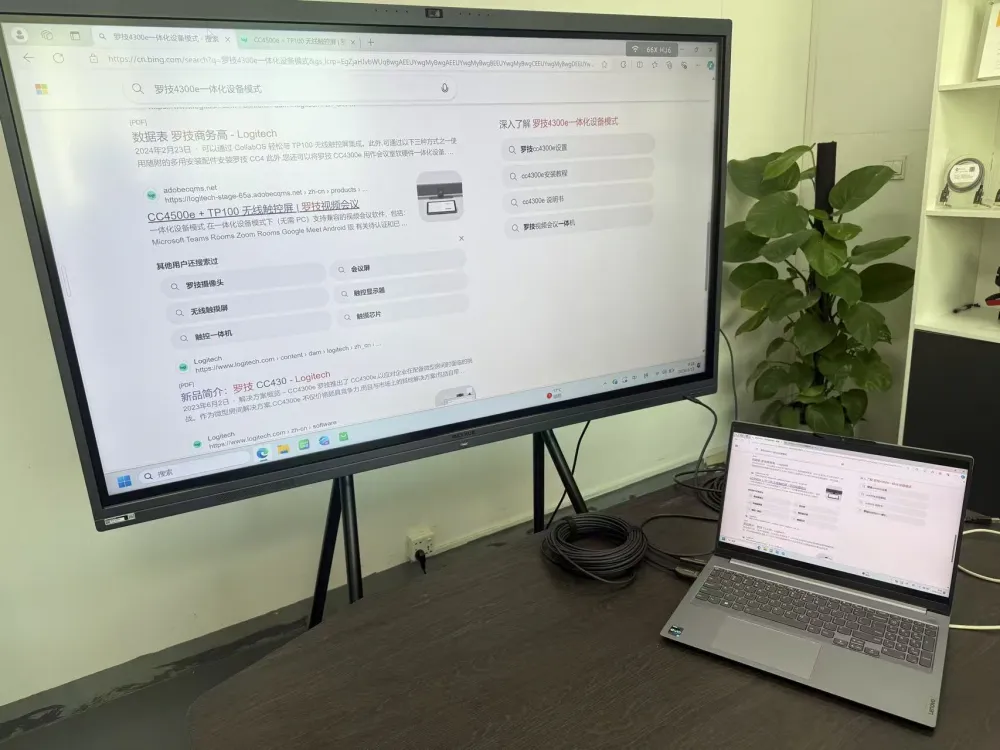
Traditional video conferencing relies on multiple cables to connect devices.
It's messy, inconvenient, and things don’t always work the way they should.But the solution is already here, This can all be replaced with a single cable: a full-featured USB-C.
What Makes AOCFiberlink Full-Featured USB-C Different?
By combining DP Alt Mode, Power Delivery, and USB 3.2/USB2.0 data into a single cable, a full-featured USB-C connection can replace several cables typically found on a conference table.Using fiber instead of copper also removes concerns around EMI, which is often an issue in real installations. The signal remains stable even over distances beyond 20 meters.
Technical Capabilities:
Uncompressed Video: Supports 8K@60Hz (4:4:4) and above via DP Alt Mode with zero latency, ensuring flawless screen sharing and video conferencing.
Continuous Power (PD): Delivers up to 100W of charging power. Presenters can run their laptops all day without needing a separate power brick
High-Speed Data: 10Gbps bandwidth seamlessly handles room peripherals, PTZ cameras, and HID signals.
When used with an interactive flat panel, a single USB-C cable handles everything.It carries video from the laptop to the display, while sending touch signals back at the same time. No extra USB cable needed.
You can write, annotate, or move content directly on the screen, and it reflects instantly on your laptop — no lag, no switching.It replaces the usual “HDMI + USB” setup with something much simpler: plug in and you’re ready to go.
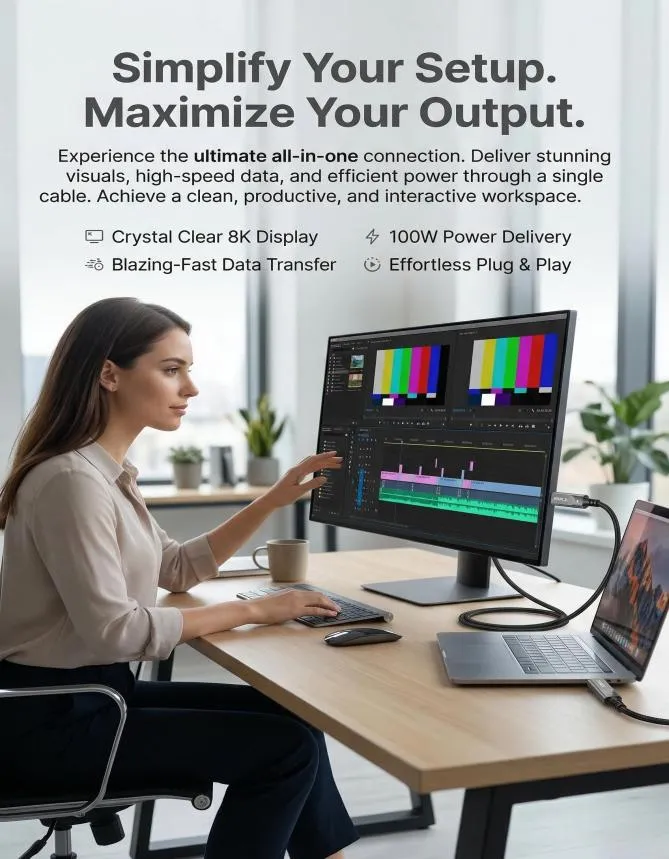
BYOM (Bring-Your-Own-Meeting) puts the presenter in the driver's seat. Instead of fighting with fixed room consoles or hunting for adapters, users simply plug in a single USB-C to instantly drive the room’s displays, cameras, and audio. It strips away hardware compatibility issues and works natively with any platform, whether that's Teams, Zoom, or Meet. For corporate teams and educators, it means zero learning curve, fewer IT support tickets, and meetings that actually start on time.
At AOCFiberlink, we don’t just move boxes, we engineer solutions. As a direct manufacturer of high-performance Active Optical Cables (AOC), we know the physical bottlenecks integrators face on-site. Whether it’s a 20m pull through a high-EMI conduit or a BYOD conference room demanding flawless bidirectional touch-back, our fiber is built for zero-fail performance.
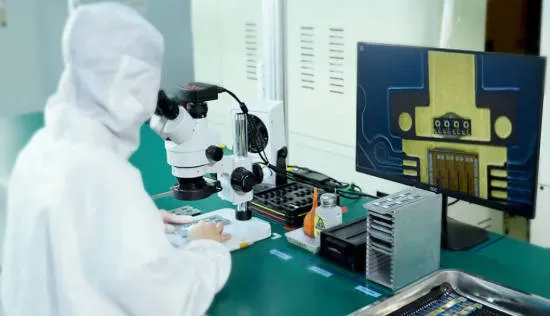
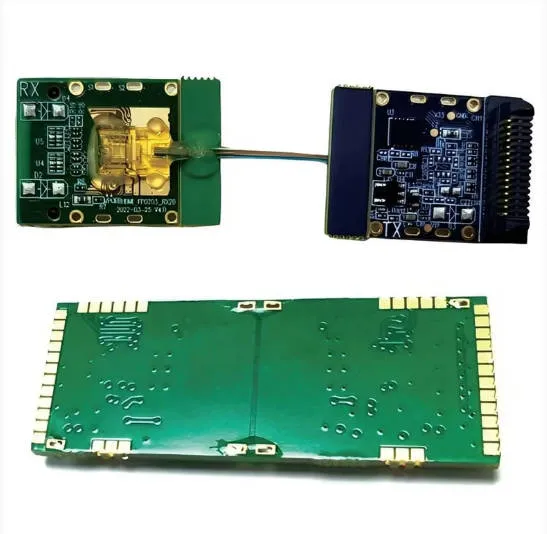
With strong in-house R&D, we're able to develop and customize products to meet specific customer requirements.
Why partner with us?
· In-House R&D: We own the technology, from the photoelectric conversion chips to the final jacket.
· Full Customization (OEM/ODM): Need a specific length? Custom branding? Specialized shielding? We build it to your exact project specs.
· Factory Direct Reliability: Get tier-one quality and technical support straight from the source, without the middleman markup.
Let’s solve your next connectivity challenge together. Reach out for a wholesale quote or to discuss your custom project requirements.
Recently Posted
-
Fiber Optic HDMI: Market Outlook and Size Analysis
June 29, 2026The global HDMI fiber optic cable market was valued at $1.82 billion in 2025 and is projected to reach $4.67 billion by 2034. HDMI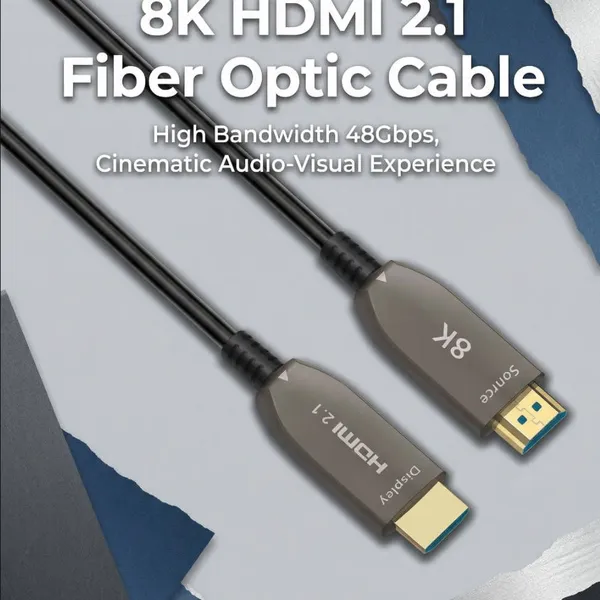 Read More
 -
DP Alt Mode: What is USB-C DisplayPort?
May 9, 2026In today's era that values versatility and convenience, the USB-C interface stands out as a universal connector, enabling seamless connection between laptops and monitors with a single cable for high-resolution video, clear audio, data transfer, and charging, while minimizing cable clutter. DP Alt mode, or DisplayPort Alternate Mode, allows the USB-C interface to transmit DisplayPort (DP) video and audio signals, while siRead More -
HDMI Cord for Samsung TV: How to Choose the Right Cable for Your Setup
April 18, 2026Wondering which HDMI cable your Samsung TV actually needs? You're not alone—it's one of the first questions that comes up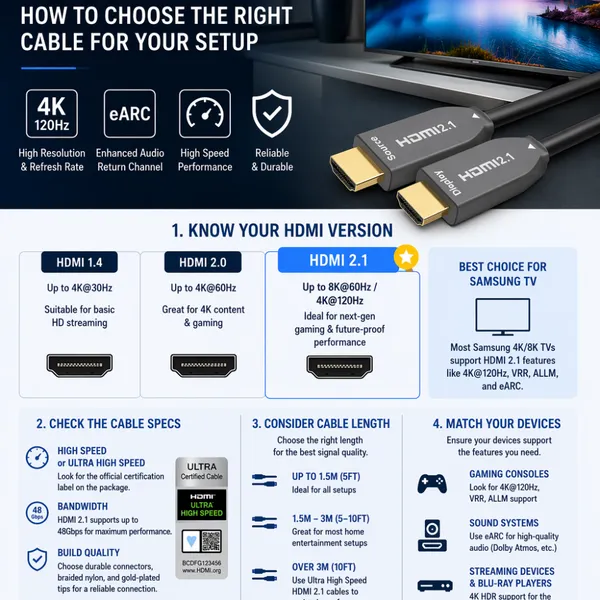 Read More
 -
Fiber vs Copper HDMI: Crucial Differences Now
March 21, 2026HDMI remains the gold standard for High-Definition, especially with HDMI 2.1 pushing the limits to 8K and 10K. But here is the cat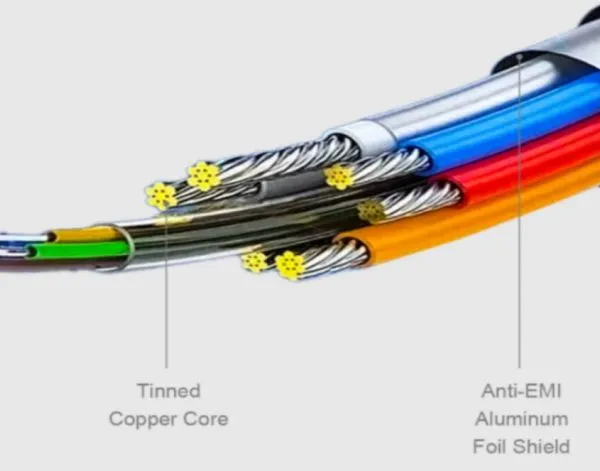 Read More

Contact Us
Recommended Products
-
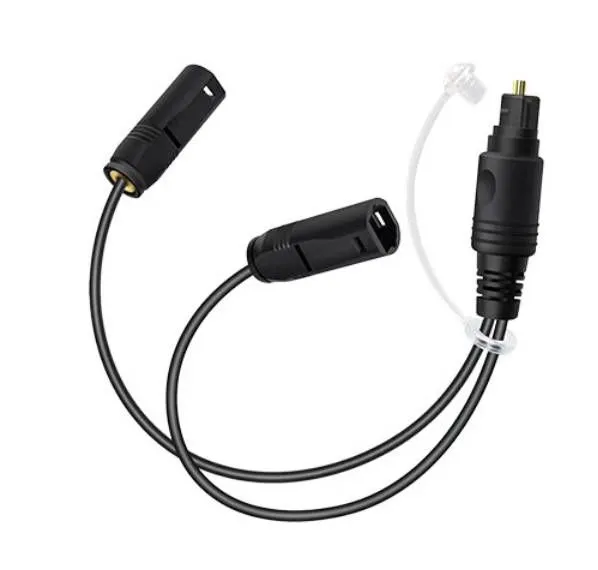
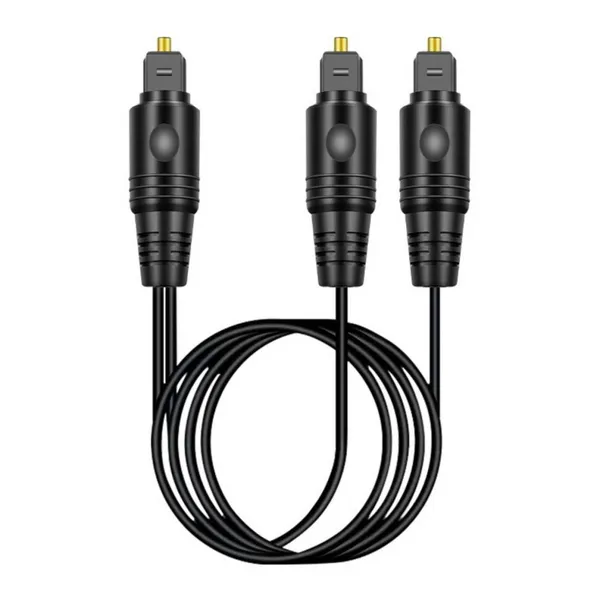
 Customized 1 to 2 Passive Optical Toslink Splitter Cable Male to FemaleNegotiableMOQ: 10 Pieces
 -
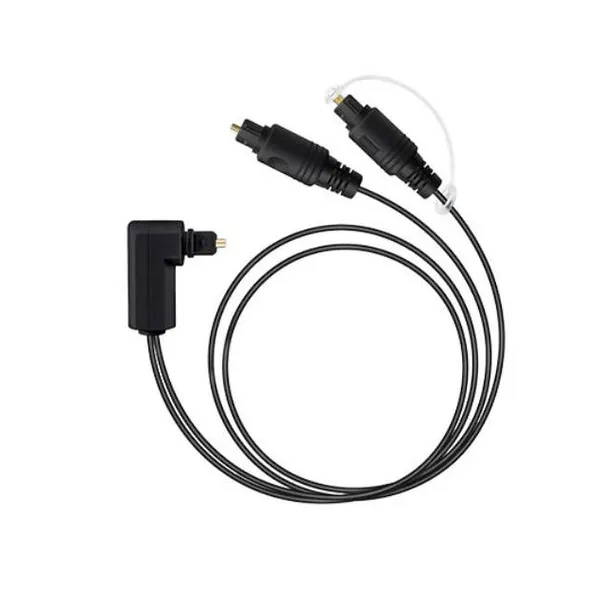
Right Angled 1 to 2 Passive Optical Toslink Splitter Cable Male to MaleNegotiableMOQ: 1 Piece
-
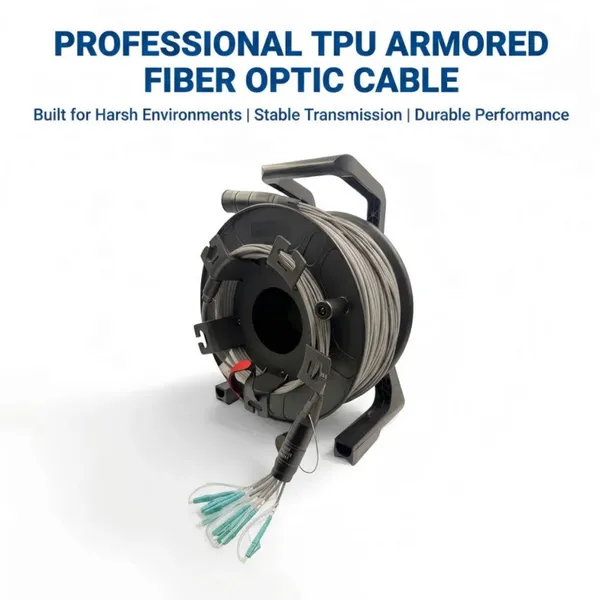
8-Core Grey TPU OM3 Armored Fiber Optic CableNegotiableMOQ: 1 Piece
-
Bi-Directional 1-in-2-out Passive TOSLINK Optical Audio Splitter Cable-Male to MaleNegotiableMOQ: 10 Pieces
-
Fiber Optic USB C Active Optical Cable-USB3.2 AOC OEM FactoryNegotiableMOQ: 1 Piece
-
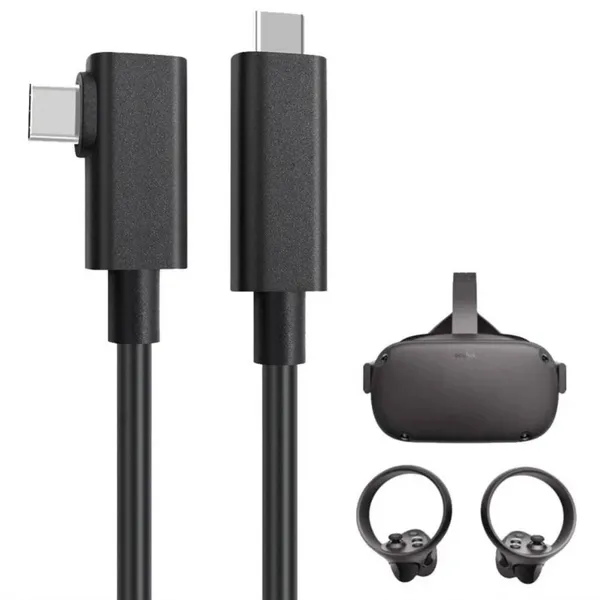
5m Meta Quest 2 Link Cable Factory Wholesale SupplierNegotiableMOQ: 1 Piece
-
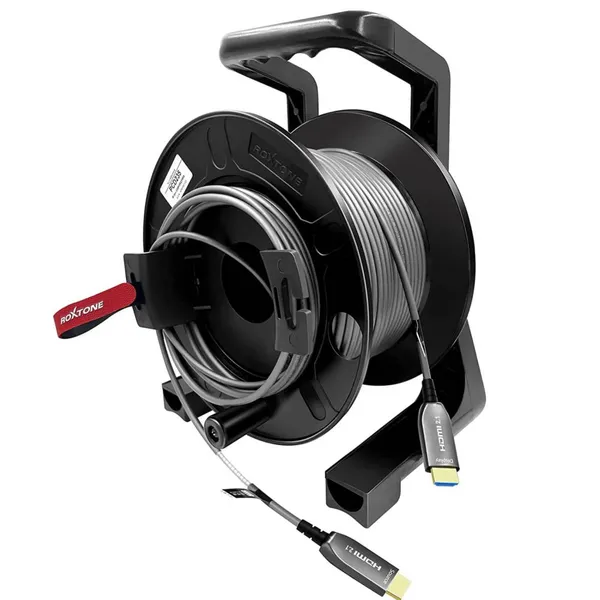
Armored 8K Fiber Optic HDMI 2.1 Active Optical Cable on Roxtone PCD 310 DrumNegotiableMOQ: 1 Piece
-
كابل بصري نشط USB-C بطول 10 أمتار، يدعم فيديو بدقة 8K ونقل بيانات بسرعة 10 جيجابت/ثانية، مزود بتقنية الشحن السريع PD70WNegotiableMOQ: 1 Piece
-
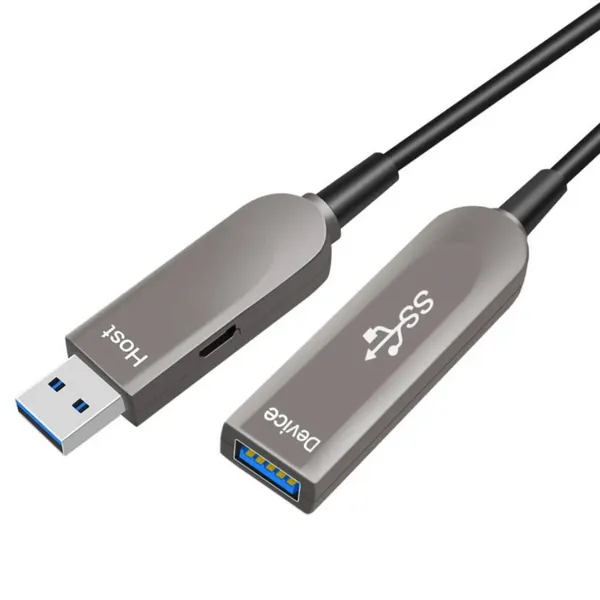
Fiber Optic USB 3.1 AOC-Active Optical Cable,Gen-2,10Gbps,AM to AFNegotiableMOQ: 1 Piece
-
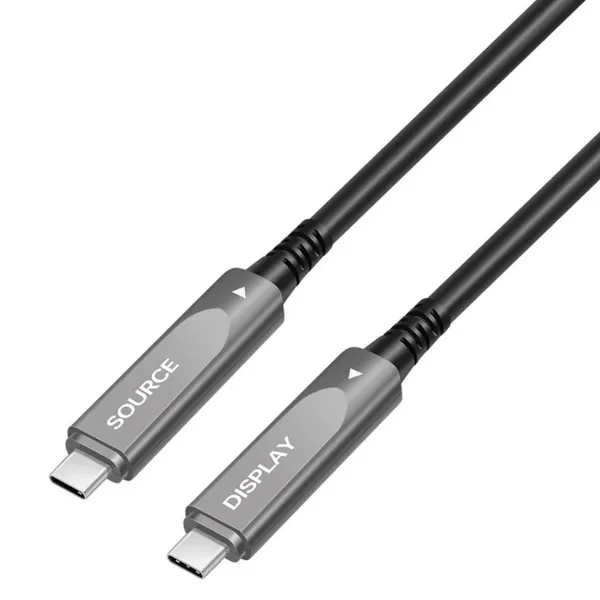
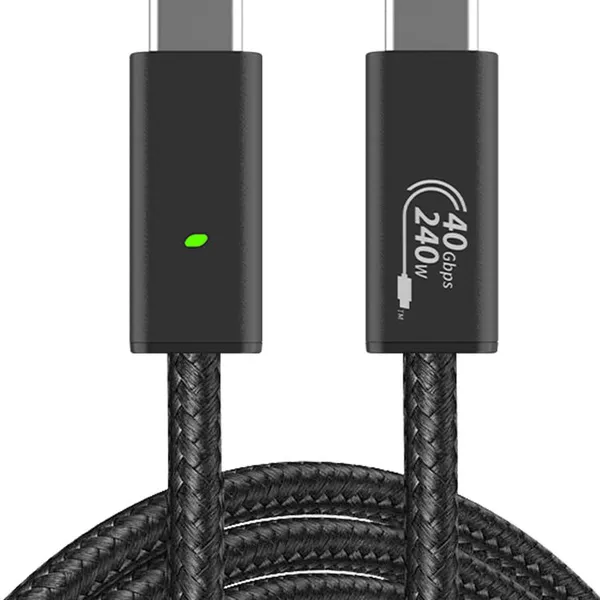
Fiber Optic Type-c Active Optical 40GbpsNegotiableMOQ: 1 Piece
-
OEM Factory Wholesale 8K HDMI2.1 Fiber Optical Cable 48Gbps AM to AM for RTX3090, PS5, Xbox Series X, Roku/Fire/Sony/LG CX TVNegotiableMOQ: 1 Piece
-
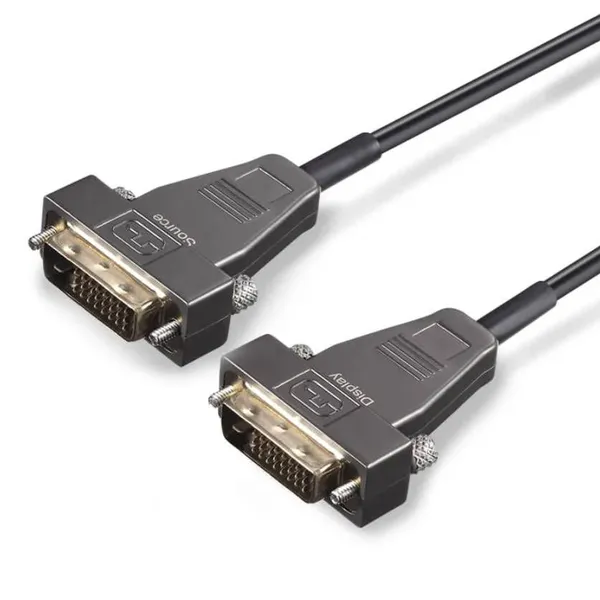
DVI Fiber Active Optical Cable-AOC 10.2Gbps 4K@30HzNegotiableMOQ: 1 Piece
-
كابل ألياف ضوئية USB-C يدعم فيديو بدقة 8K بسرعة 10 جيجابت في الثانيةNegotiableMOQ: 1 Piece
-
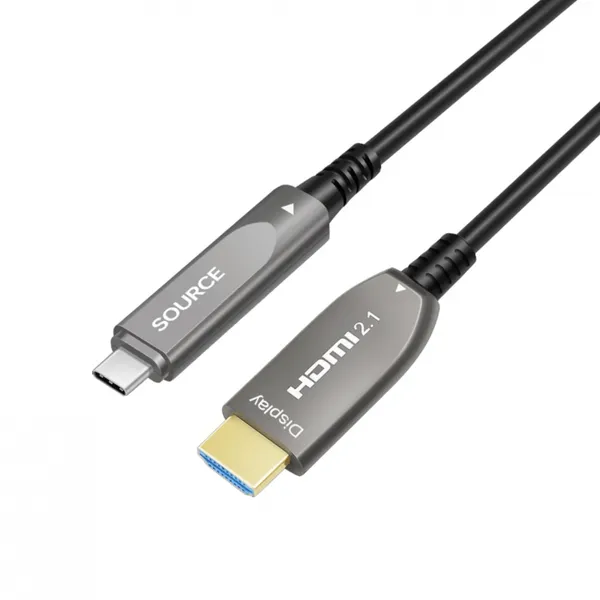
USB-C to HDMI Fiber Active Optical Cable-AOC-4K/60Hz-15mNegotiableMOQ: 1 Piece
-
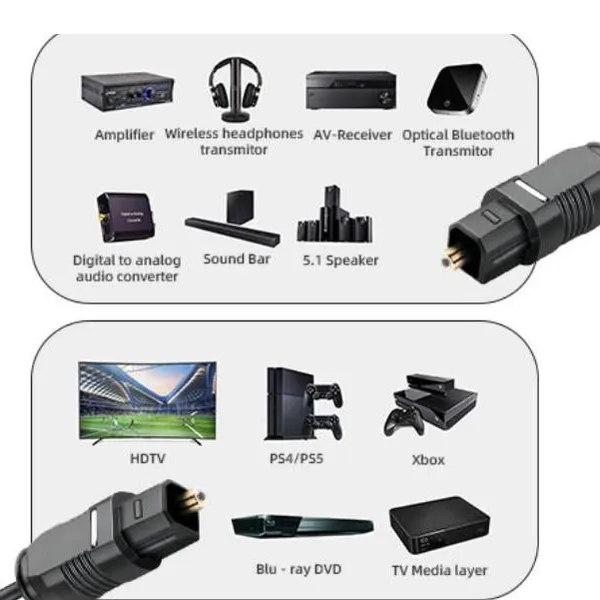
Super Slim Digital Toslink Optical Audio CableNegotiableMOQ: 10 Pieces
-
8K HDMI2.1 Fiber Optic Cable 4K/144HzNegotiableMOQ: 10 Pieces
-
كابل الألياف الضوئية النشطة HDMI2.1 فائق النحافة 8KNegotiableMOQ: 10 Pieces
-
4Fiber LC Tactical Armored Fiber Optic Cable ReelNegotiableMOQ: 10 Pieces
-
Ультратонкий активный оптический кабель HDMI 2.1 8K AM-AM-AM-48 Гбит/с-5 мNegotiableMOQ: 10 Pieces
-
Angled Digital Toslink Optical Audio Cable,Gold-Plated,4mm Black PVCNegotiableMOQ: 10 Pieces