Business License

DVI or HDMI? Here’s What You Need to Know
As technology has evolved, computers and game consoles have shifted from traditional DVI to modern HDMI. Although they look different, both are designed to transmit uncompressed digital video to displays. The key difference is that HDMI carries both audio and video, while DVI supports video only. Despite its limitations, DVI is still used in some professional settings. So which one is right for you? This article will compare their features to help you make an informed choice.
What Is Digital Visual Interface (DVI)
DVI (Digital Visual Interface) was introduced in 1999 to transmit uncompressed digital video to displays. It uses TMDS technology to deliver high-speed, low-noise digital signals. Single-link DVI supports up to 1920×1200 at 60 Hz, while dual-link supports up to 2560×1600 at 60 Hz. There are three types: DVI-A (analog), DVI-D (digital), and DVI-I (both), with DVI-I being backward compatible with VGA.
What is High-Definition Multimedia Interface (HDMI)?
HDMI (High-Definition Multimedia Interface) was first introduced on April 16, 2002, with version 1.0. It has largely replaced DVI because it can transmit both digital video and compressed or uncompressed audio through a single cable. HDMI is commonly used to connect source devices to displays, soundbars, and TVs. Over time, HDMI has evolved through versions such as HDMI 1.4, 2.0, and 2.1. HDMI 2.1 supports ultra-high speeds of up to 48 Gbps and resolutions up to 10K at 120 Hz.
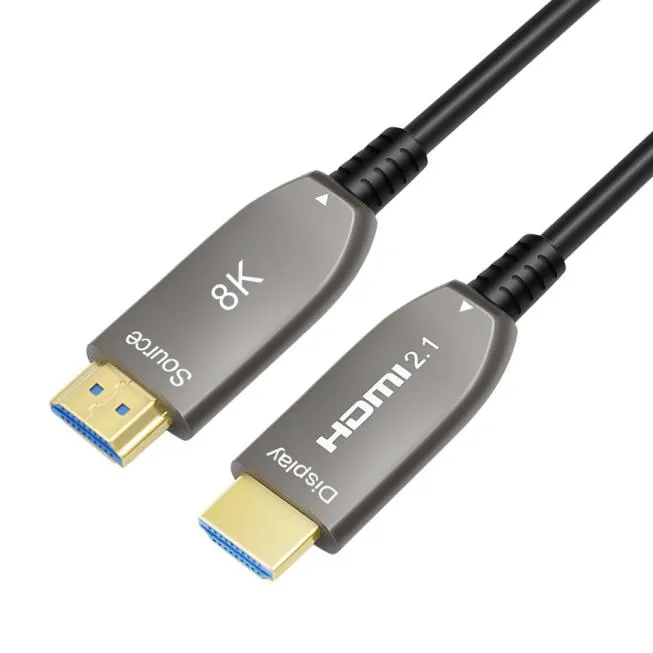
Differences between DVI and HDMI
Construction
DVI and HDMI are easy to distinguish due to their different designs. DVI has a large rectangular connector with varying pin configurations: DVI-A has 11 pins, DVI-D has 19 pins (single-link) or 25 pins (dual-link), and DVI-I has 23 or 29 pins for single- and dual-link respectively. In contrast, HDMI features a slimmer, beveled rectangular connector, with Type-A typically having 19 pins.
DVI is commonly found in older computers and professional setups, while HDMI is now more widely used. Its compact design makes it compatible with most modern devices, including TVs, monitors, laptops, and game consoles. HDMI is also backward compatible with DVI via adapters
Signal Capabilities
DVI is designed to transmit both analog and digital video signals for some old monitors and video projects. This means that you need to find an extra cable used for sending audio information. DVI supports the bandwidth of 3.96 Gbit/s, up to 1920 × 1200 resolution at 60 Hz refresh rate in the single-link DVI connection, and supports the bandwidth of 7.92 Gbit/s, up to 2560 × 1600 resolution at 60 Hz in the dual-link DVI connection.
HDMI can handle high-definition video and up to 32-channel audio signals, making it a future-proof choice for modern displays. HDMI 2.0 supports up to 18 Gbit/s and ultra HD 4K resolution at 60 Hz, and HDMI 2.1 can carry a maximum of 48 Gbit/s bandwidth with a maximum resolution of 10K at 120 Hz.
Final Thoughts
Although DVI and HDMI share some similarities, they are suited for different applications. DVI is largely outdated in modern devices, but it remains useful for legacy equipment. It is still commonly used with older projectors in conference rooms or classrooms that only support DVI input.
HDMI, on the other hand, is a newer and widely adopted standard. It is the preferred choice in modern meeting spaces with updated projectors due to its ability to transmit high-quality audio and video. HDMI also plays a key role in home entertainment systems, delivering excellent performance for gaming consoles, Blu-ray players, and streaming devices. Its support for high-definition content and immersive sound makes it suitable for virtual reality and esports applications as well.
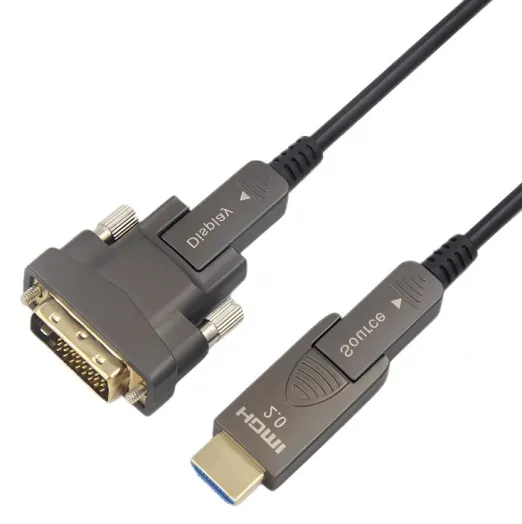
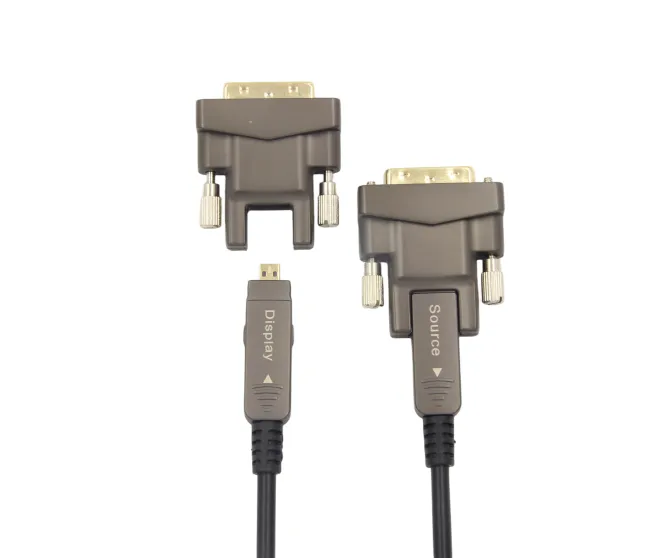
Due to the varying interface types across different devices, many users have sought a reliable solution to convert DVI to HDMI. To address this specific demand, AOCFIBERLINK developed a detachable DVI fiber optic cable that supports conversion from DVI to both HDMI Type-A and Type-B. This fiber-based DVI solution not only enhances overall performance but also significantly extends transmission distance. Thanks to its optical transmission design, it can deliver stable signal transmission up to 100 meters without loss. The cable supports data rates of up to 10.2 Gbps, enabling 2K and 1080p resolutions, and is fully compliant with EDID and HDCP standards to ensure compatibility and secure content transmission.
AOCFiberlink: Supporting the Future of High-Bandwidth Connectivity
With extensive experience in high-speed signal integrity, optical-electrical conversion, and OEM/ODM cable solutions, AOCFiberlink is well positioned to support the evolving GPMI ecosystem as it expands from early products into broader consumer and professional markets.
At AOCFiberlink, we specialize in high-performance AV and data transmission products including fiber optic HDMI, DisplayPort, USB4, and USB-C active cables for global OEM/ODM markets. With a deep understanding of emerging interface trends like GPMI, we help our clients stay ahead of the curve.
Contact us today to learn more or request a custom solution.
Recently Posted
-
Fiber Optic HDMI: Market Outlook and Size Analysis
June 29, 2026The global HDMI fiber optic cable market was valued at $1.82 billion in 2025 and is projected to reach $4.67 billion by 2034. HDMI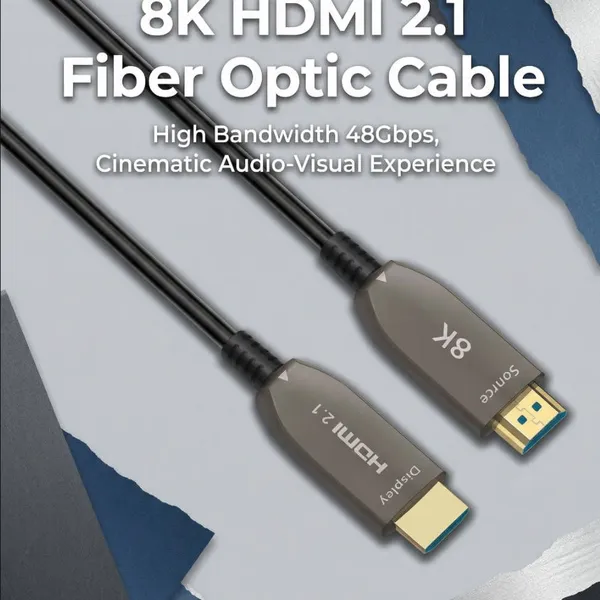 Read More
 -
DP Alt Mode: What is USB-C DisplayPort?
May 9, 2026In today's era that values versatility and convenience, the USB-C interface stands out as a universal connector, enabling seamless connection between laptops and monitors with a single cable for high-resolution video, clear audio, data transfer, and charging, while minimizing cable clutter. DP Alt mode, or DisplayPort Alternate Mode, allows the USB-C interface to transmit DisplayPort (DP) video and audio signals, while siRead More -
HDMI Cord for Samsung TV: How to Choose the Right Cable for Your Setup
April 18, 2026Wondering which HDMI cable your Samsung TV actually needs? You're not alone—it's one of the first questions that comes up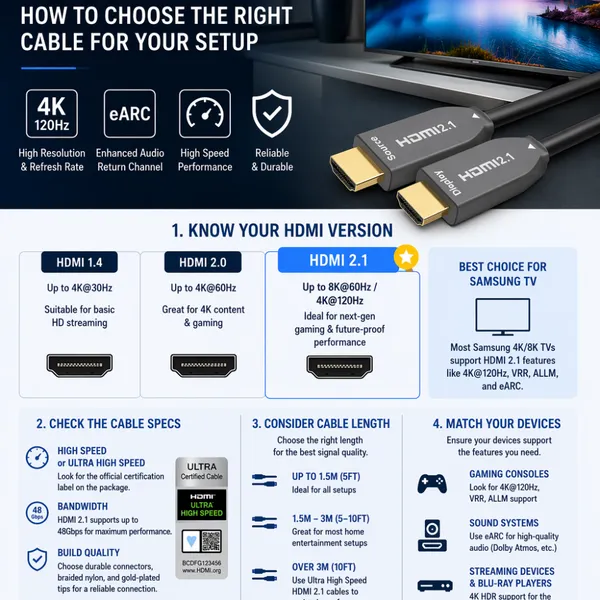 Read More
 -
why USB-C Is Replacing Traditional AV Cabling in Modern Meeting Rooms
April 4, 2026Walk into almost any older conference room and you’ll see the same thing, a pile of cables sitting in the middle of the table.With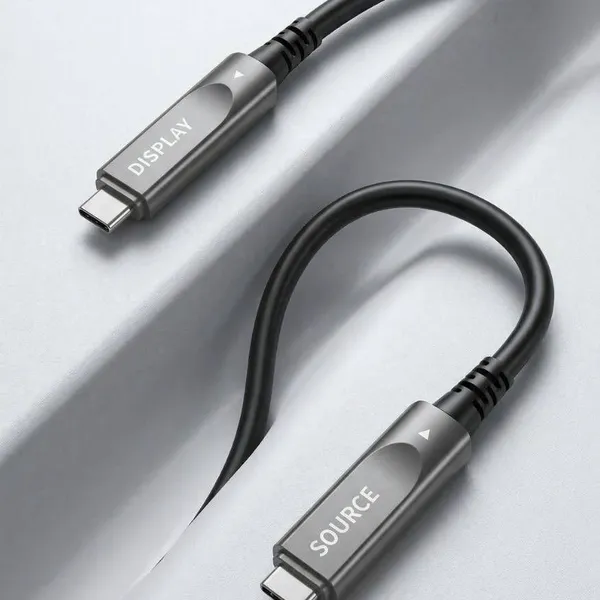 Read More

Contact Us
Recommended Products
-
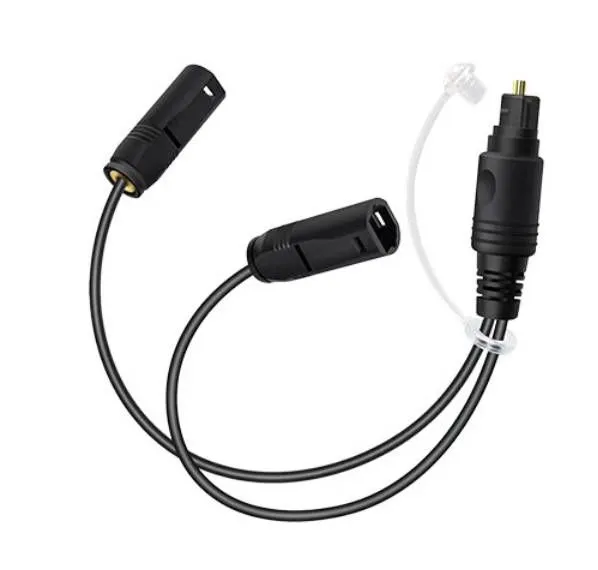
 Customized 1 to 2 Passive Optical Toslink Splitter Cable Male to FemaleNegotiableMOQ: 10 Pieces
 -
Right Angled 1 to 2 Passive Optical Toslink Splitter Cable Male to MaleNegotiableMOQ: 1 Piece
-
8-Core Grey TPU OM3 Armored Fiber Optic CableNegotiableMOQ: 1 Piece
-
Bi-Directional 1-in-2-out Passive TOSLINK Optical Audio Splitter Cable-Male to MaleNegotiableMOQ: 10 Pieces
-
Fiber Optic USB C Active Optical Cable-USB3.2 AOC OEM FactoryNegotiableMOQ: 1 Piece
-
5m Meta Quest 2 Link Cable Factory Wholesale SupplierNegotiableMOQ: 1 Piece
-
Armored 8K Fiber Optic HDMI 2.1 Active Optical Cable on Roxtone PCD 310 DrumNegotiableMOQ: 1 Piece
-
كابل بصري نشط USB-C بطول 10 أمتار، يدعم فيديو بدقة 8K ونقل بيانات بسرعة 10 جيجابت/ثانية، مزود بتقنية الشحن السريع PD70WNegotiableMOQ: 1 Piece
-
Fiber Optic USB 3.1 AOC-Active Optical Cable,Gen-2,10Gbps,AM to AFNegotiableMOQ: 1 Piece
-
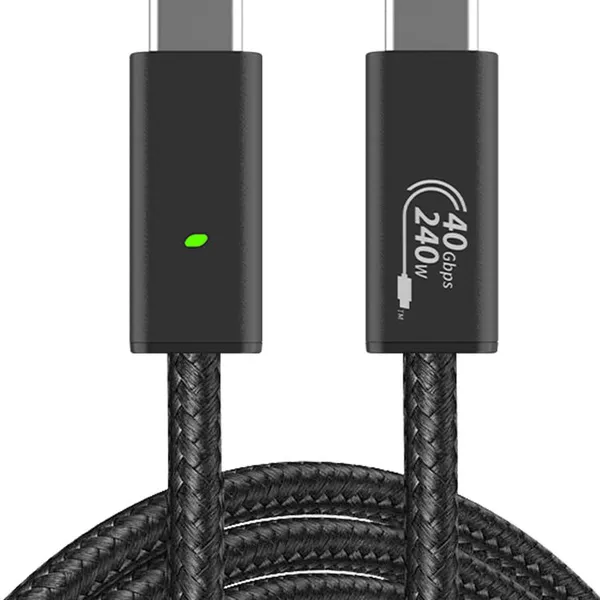
Fiber Optic Type-c Active Optical 40GbpsNegotiableMOQ: 1 Piece
-
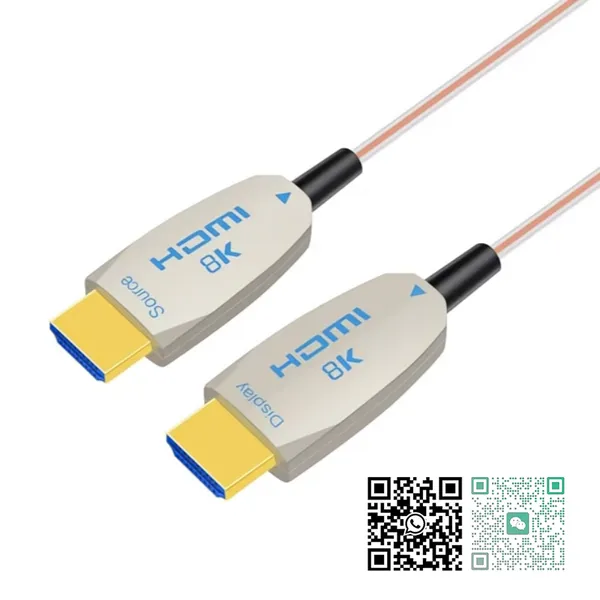
OEM Factory Wholesale 8K HDMI2.1 Fiber Optical Cable 48Gbps AM to AM for RTX3090, PS5, Xbox Series X, Roku/Fire/Sony/LG CX TVNegotiableMOQ: 1 Piece
-
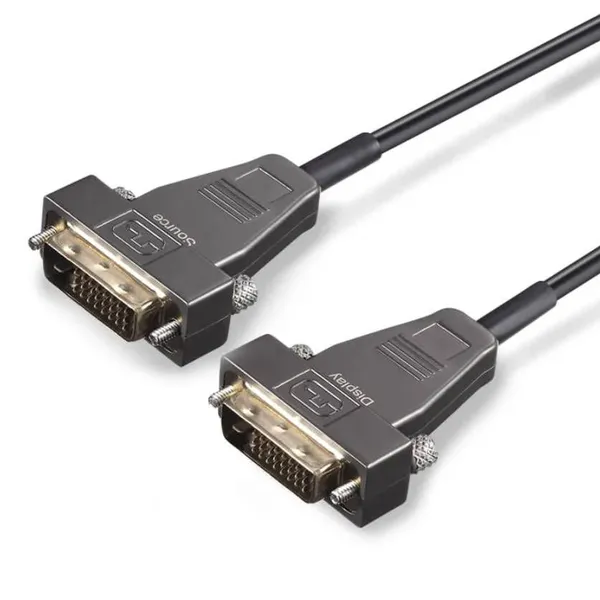
DVI Fiber Active Optical Cable-AOC 10.2Gbps 4K@30HzNegotiableMOQ: 1 Piece
-
كابل ألياف ضوئية USB-C يدعم فيديو بدقة 8K بسرعة 10 جيجابت في الثانيةNegotiableMOQ: 1 Piece
-
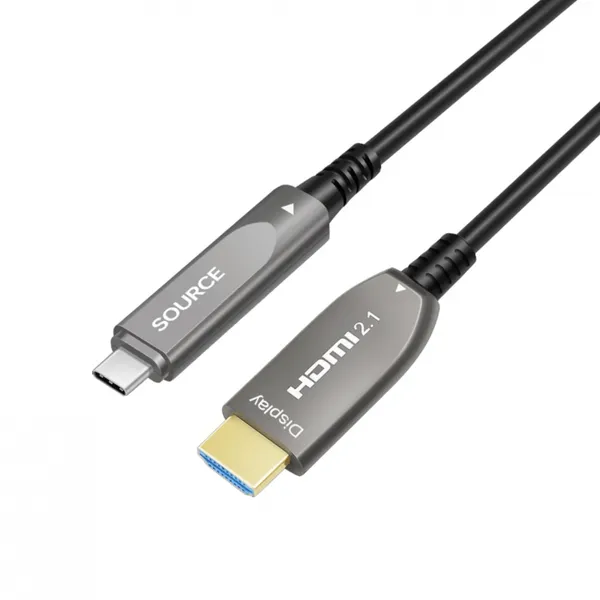
USB-C to HDMI Fiber Active Optical Cable-AOC-4K/60Hz-15mNegotiableMOQ: 1 Piece
-
Super Slim Digital Toslink Optical Audio CableNegotiableMOQ: 10 Pieces
-
8K HDMI2.1 Fiber Optic Cable 4K/144HzNegotiableMOQ: 10 Pieces
-
كابل الألياف الضوئية النشطة HDMI2.1 فائق النحافة 8KNegotiableMOQ: 10 Pieces
-
4Fiber LC Tactical Armored Fiber Optic Cable ReelNegotiableMOQ: 10 Pieces
-
Ультратонкий активный оптический кабель HDMI 2.1 8K AM-AM-AM-48 Гбит/с-5 мNegotiableMOQ: 10 Pieces
-
Angled Digital Toslink Optical Audio Cable,Gold-Plated,4mm Black PVCNegotiableMOQ: 10 Pieces